
Before you sign up for the app for testing, you will first need to get the test version of the app.
Android
- Open your union’s app on your mobile device
- Tap Sign Up
- Enter the required information, complete the Verify you are human security check, and tap Finish
- After you have registered contact the UnionConnect team so that we can verify your account and you can begin administering the app
iOS (Apple iPhone)
- Open your union’s app on your mobile device in TestFlight
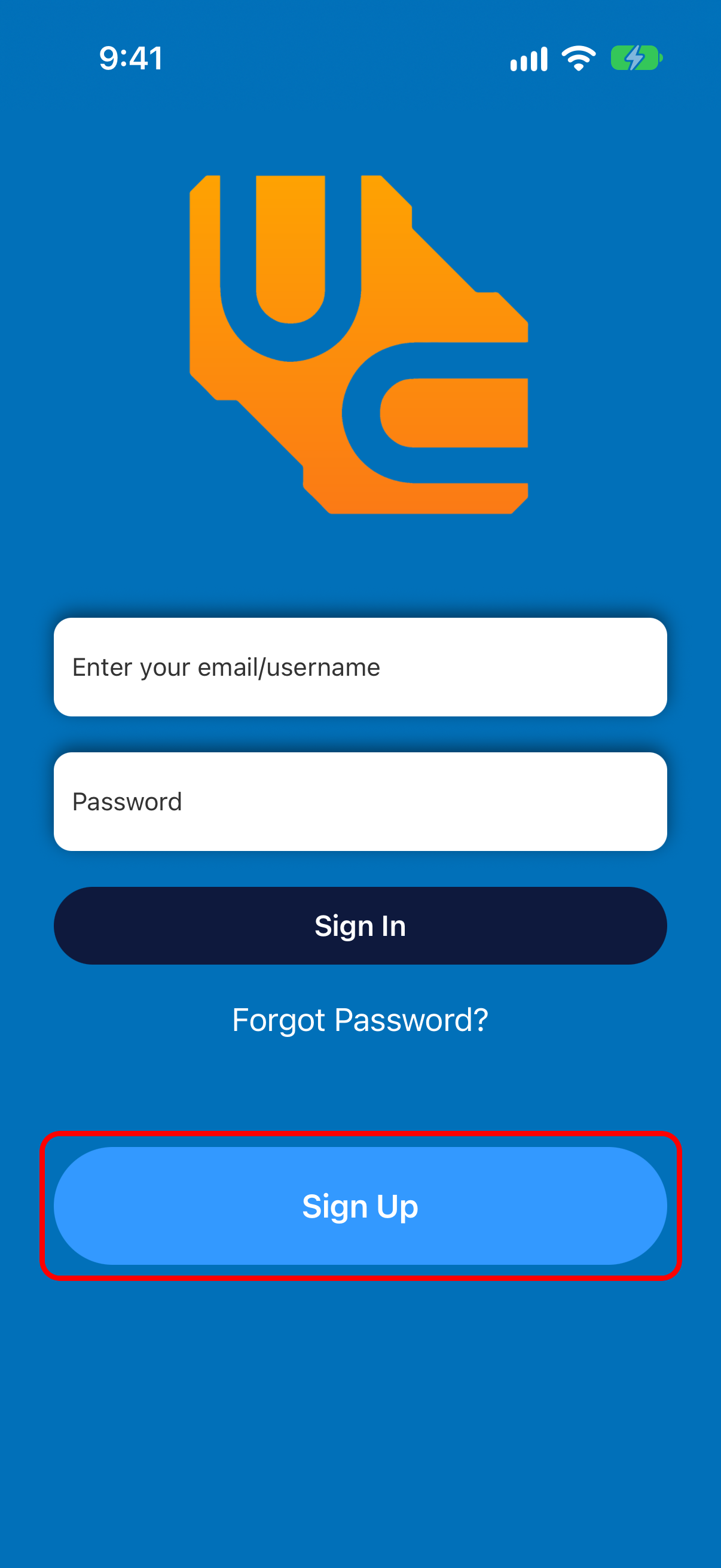
- Tap Sign Up on the login page that appears:
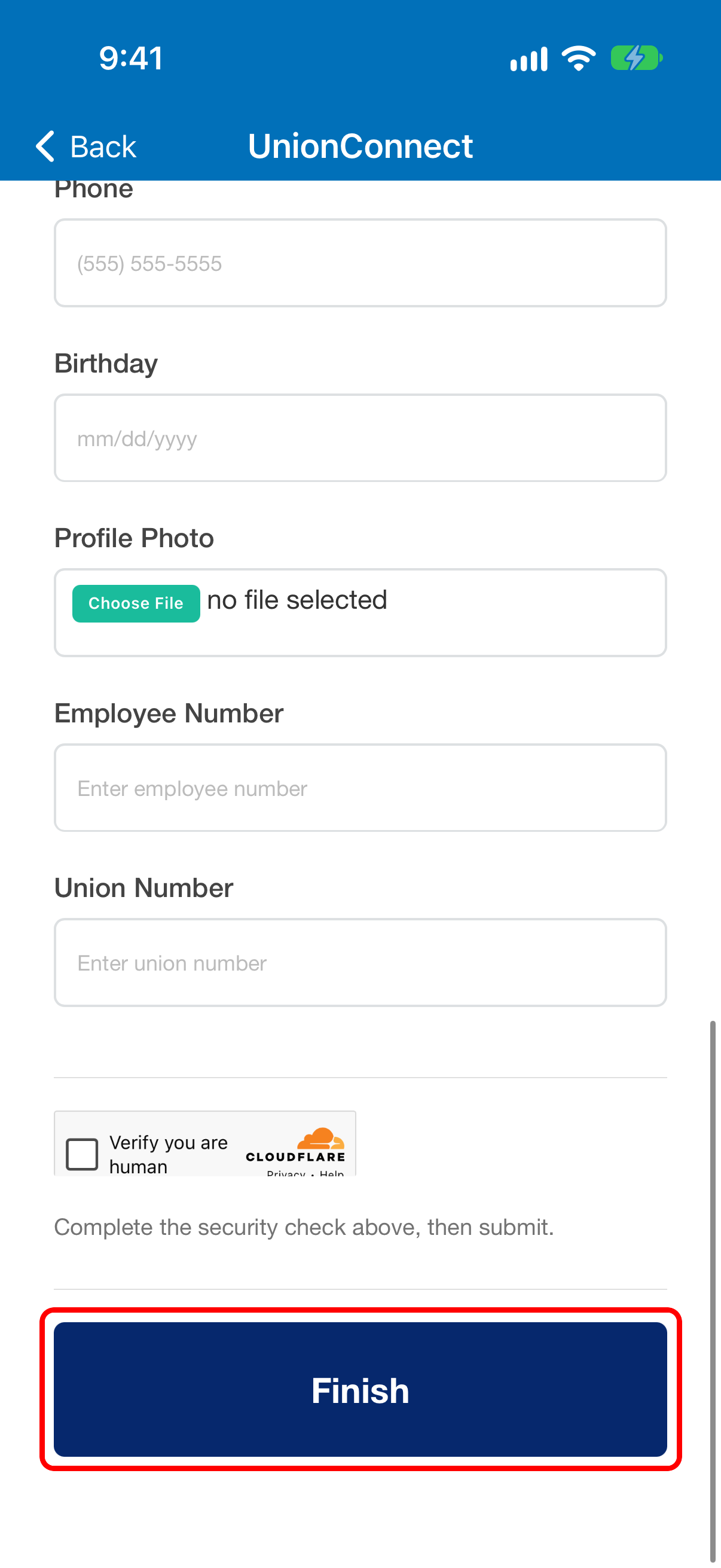
- Enter the required information, complete the Verify you are human security check, and tap Finish
- After you have registered contact the UnionConnect team so that we can verify your account and you can begin administering the app