
In order to be able to administer your union’s phone app, you will first need to sign up the same way as everyone else. Anyone who signs up has to be verified before they can use the app. If your local uses roster verification, people who match a row in your roster are verified automatically. If your local has Auto-approve new accounts turned on, everyone is verified automatically when they sign up (after confirming their email, if your local requires that). Otherwise an admin must verify them. To verify someone by hand, see Verifying Members.
- Open your union’s phone app on your device
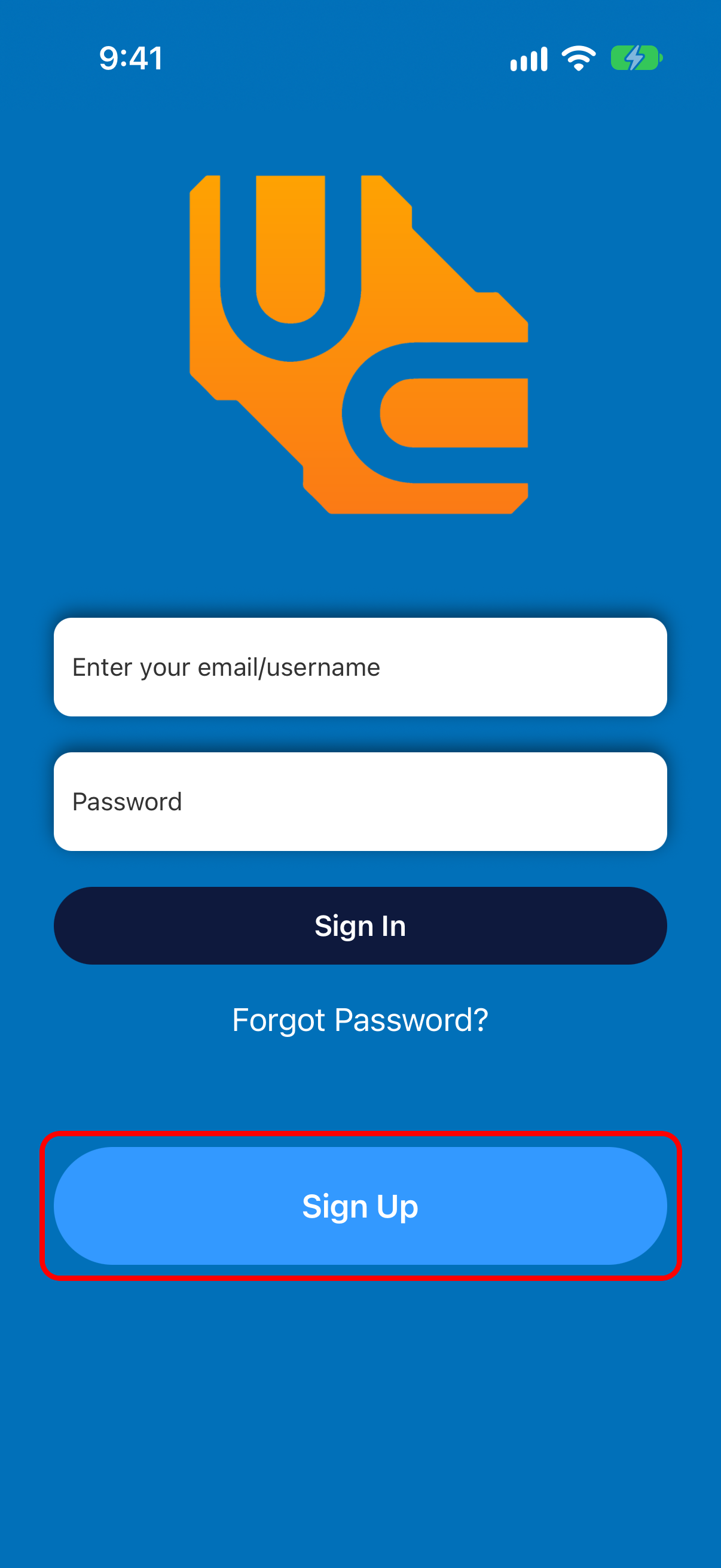
- Tap Sign Up on the login screen that appears:
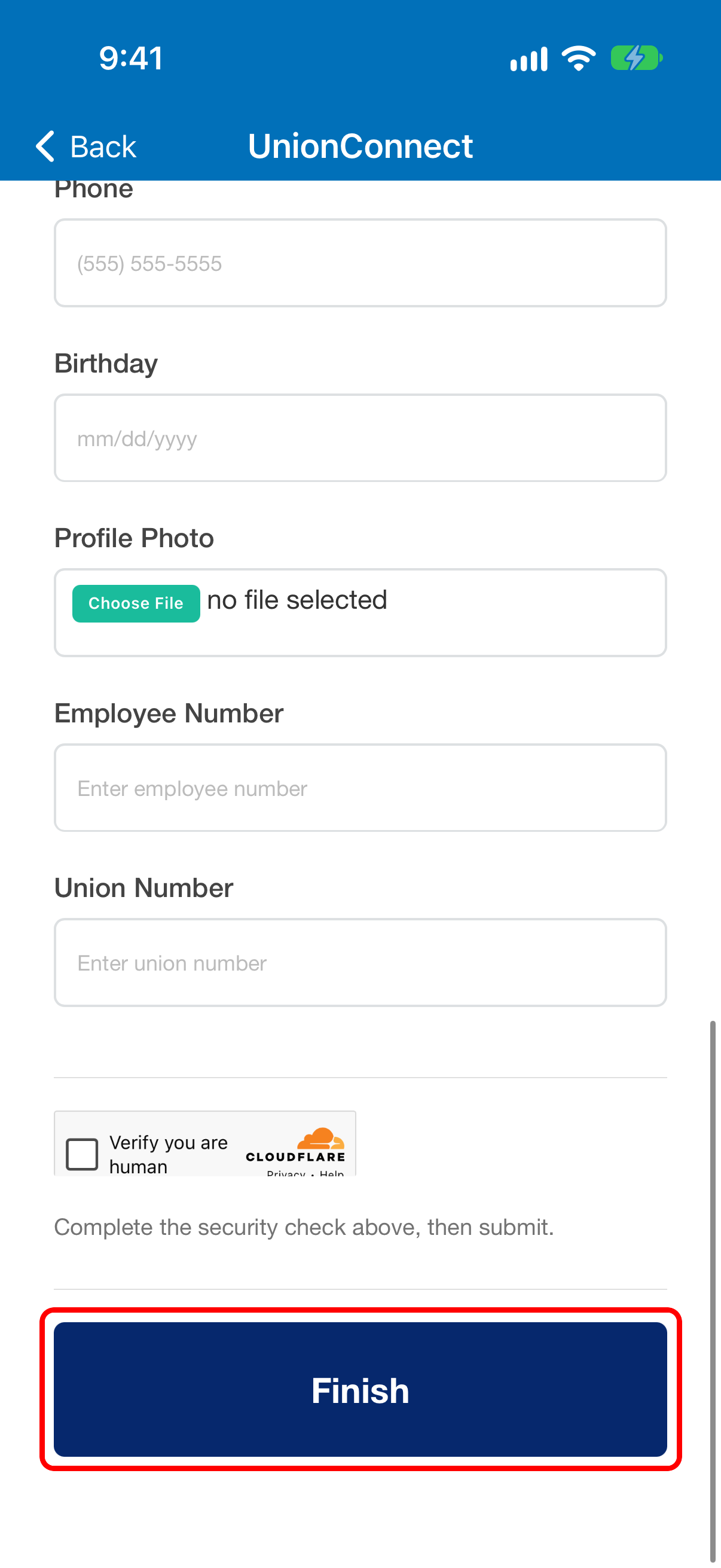
- Enter the required information, complete the Verify you are human security check, and tap Finish at the bottom of the page
- After you have registered, you’ll be verified automatically if your union uses roster verification and you match its roster, or if your union auto-approves new accounts; otherwise an admin with the app must verify you