
- Log in to the app manager.
- From the left menu under Union-Wide Resources, click People Database.
- Search for the person you want to remove using the search box.
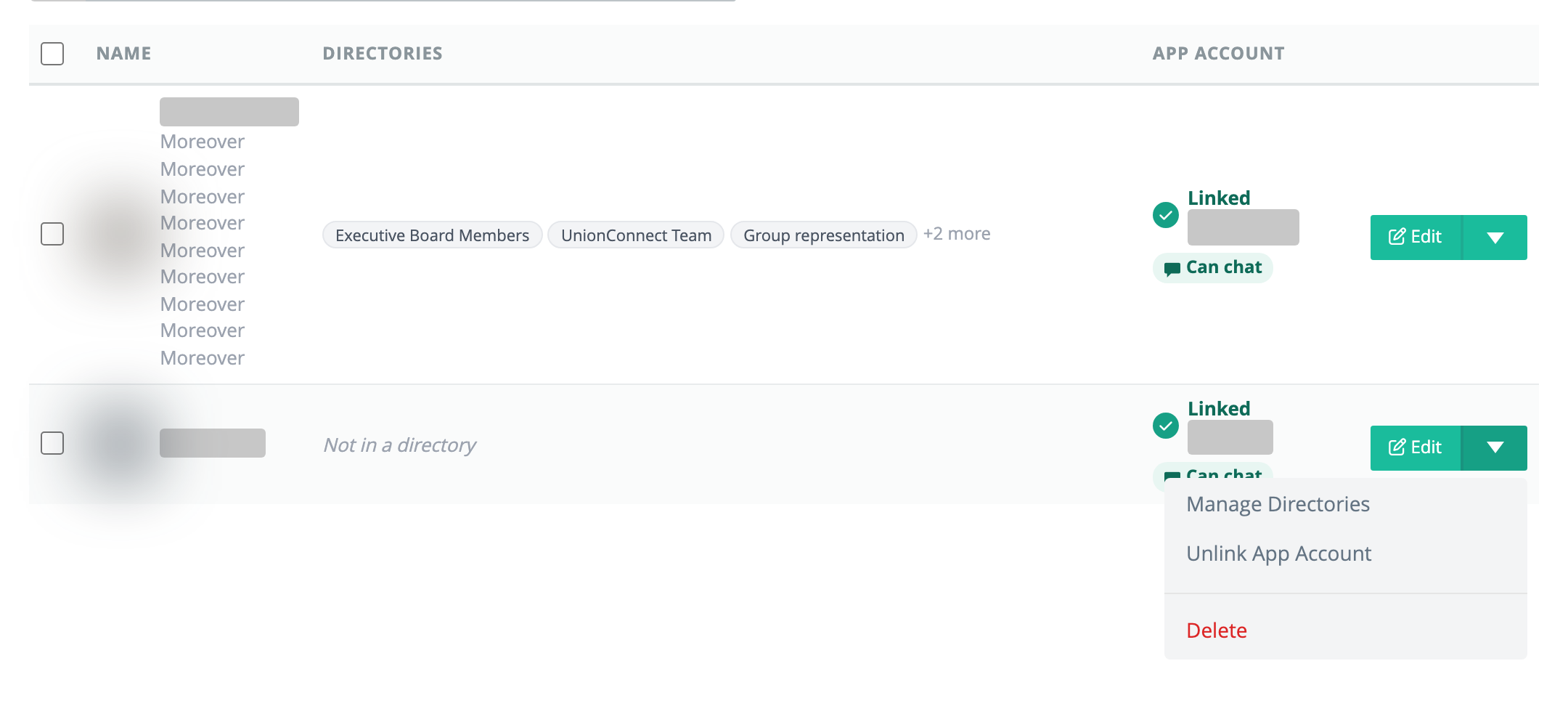
- Click the green dropdown arrow next to the person’s Edit button and choose Delete.
The row disappears right away and a message at the bottom of the page says Deleted name. with an Undo button. You have 6 seconds to click Undo and keep the entry. After that, or if you leave the page first, the entry is permanently deleted.
To remove several people at once, see Deleting People in Bulk. To take someone out of one directory without deleting their entry, use Manage/Reorder People on that directory instead.