
As an admin, you can download a copy of the data users entered on the registration form. The file is in .csv format and opens in any spreadsheet software (Microsoft Excel, Google Sheets, etc.).
- Login to the app manager.
- From the menu on the left-hand side, click Users and Devices.
- Click the Download button next to the page title:
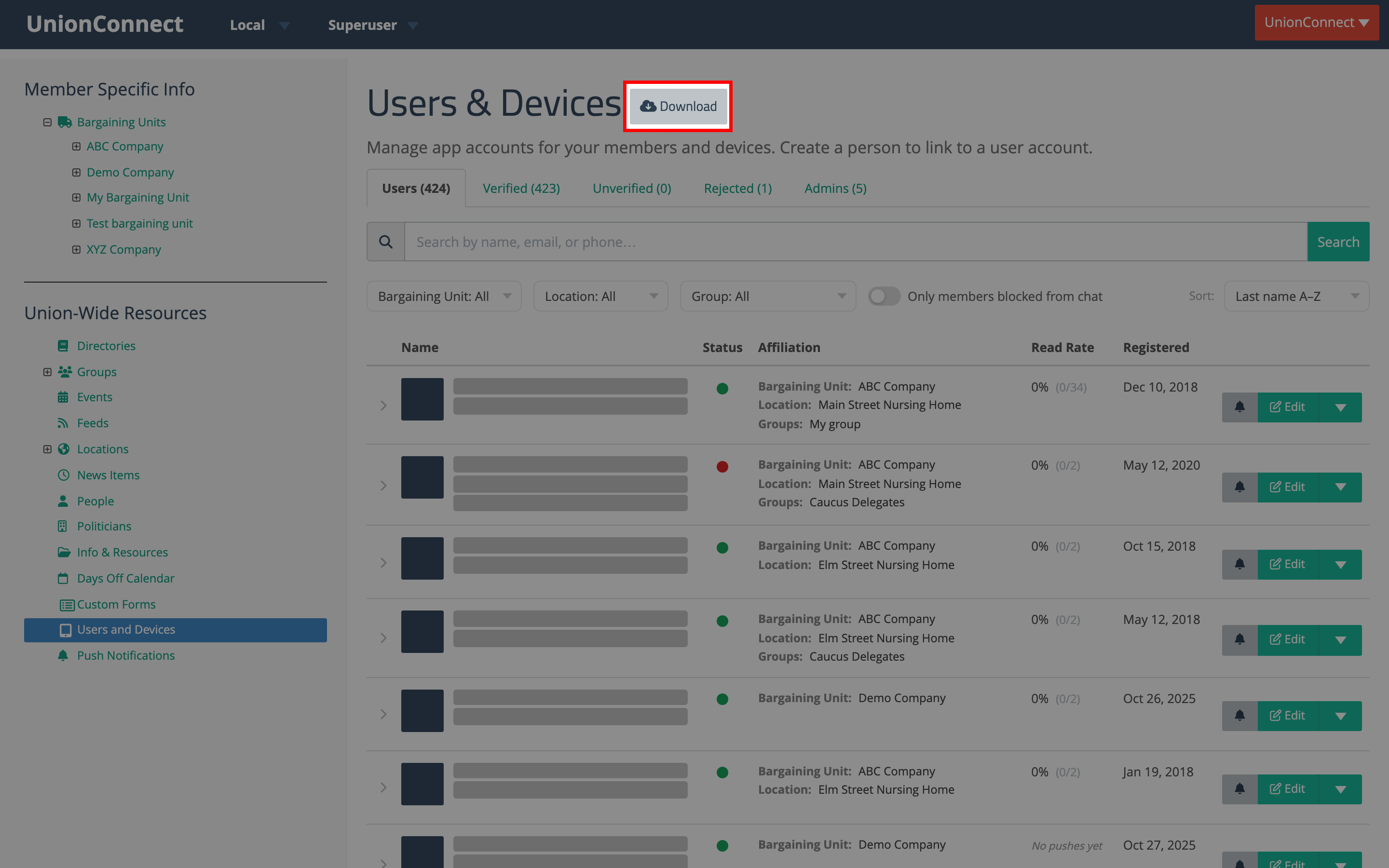
- A CSV file of the user data downloads to your computer.